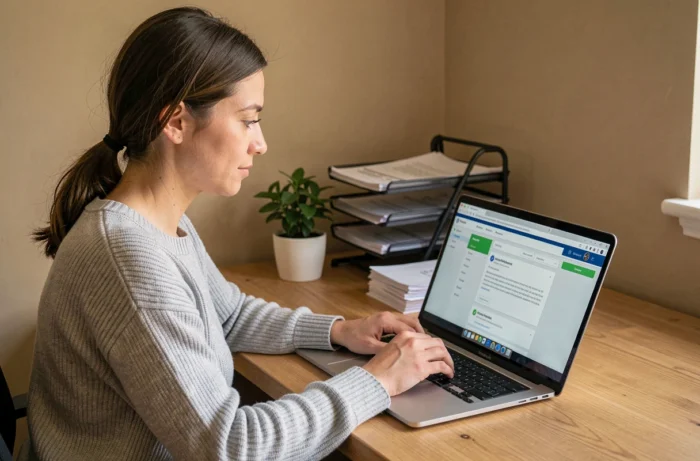
MyFoncia is the online platform of Foncia that centralizes documents related to a rental contract: rent receipts, due notices, and charge adjustments. Access is available from a web browser or from the mobile app, with a personal space protected by a username and password. Understanding the layout of this space allows users to find each document without going through the agency.
Automatic notifications and rental documents in MyFoncia
Most tenants access their client space randomly, without knowing if a document has been deposited. MyFoncia works differently: each new document triggers a push notification or an email.
Monthly receipts, due notices, responses from the manager to a request: as soon as a document is added, the mobile app sends an alert. On the browser, a notification email serves the same purpose. This mechanism turns checking documents into a reflex rather than a periodic chore.
For this system to work, the email address registered in the client file must be valid and checked regularly. If notifications do not arrive, it is necessary to check the spam folder, then contact the agency’s customer service to correct the contact address. The ability to view my documents in MyFoncia relies entirely on this initial setup.
Section “My accounts”: where to find receipts and adjustments
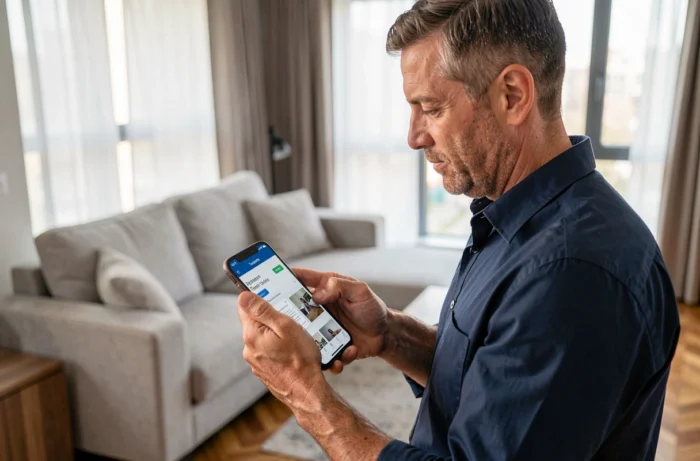
Once logged in, the dashboard displays a summary of the rental account. Downloadable documents are located in the section identified as “My accounts” in the interface.
Rent receipts
Receipts are generated after each recorded payment. They appear in PDF format, sorted by month. A tenant who needs a recent proof of residence can download their latest receipt directly from this section, without requesting postal delivery from the agency.
Annual charge adjustment
The charge adjustment statement is also included in this document space. This document details the actual charges paid by the co-ownership, compared to the provisions paid each month. Co-ownership charges, voted works, and maintenance contracts can be accessed from the same space, allowing for line-by-line verification of the amounts charged during an adjustment.
This centralization is particularly useful for disputing a charge item: instead of requesting proofs by mail, the tenant can cross-reference the statement with the co-ownership documents available in MyFoncia.
Logging into MyFoncia: tenant username and password
The official login address is my-foncia.fonciamillenium.net. This URL may seem unusual compared to the foncia.com domain name, but it is indeed the legitimate platform.
First login username
For a tenant, the first login username is provided in the welcome email sent upon signing the lease. It is not the personal email address: it is a specific code generated by the system.
The account creation procedure involves two successive email validations. A common pitfall is stopping after the first confirmation email, believing the account is active. You must wait for the second email to finalize the creation and set the email address as the permanent username.
- First email: confirmation of the account creation request, with a link to click to validate the address
- Second email: effective validation of the account, which then allows logging in with the email and chosen password
- If the email address indicated in the file is incorrect, only the agency’s customer service can modify it
Forgotten password
The reset procedure goes through the email address linked to the account. If this address is no longer accessible (provider change, full inbox), you must contact Foncia to update the file before any recovery attempt.
MyFoncia mobile app or web browser: access to the same documents
The mobile app (available on iOS and Android) and the browser version provide access to the same set of documents. The choice between the two mainly depends on daily usage.
On mobile, push notifications alert you to each new document without opening the app. Downloading a receipt in PDF format takes two taps. On a computer, navigation is more comfortable for viewing a detailed charge statement or comparing multiple documents side by side.
- Mobile app: real-time notifications, quick consultation, PDF download
- Web browser: better readability for charge tables, direct printing option
- Integrated messaging: available on both platforms for communicating with the manager without going through an external email
Dematerialization of rental documents: what it changes for the tenant
Foncia has gradually transitioned to dematerialization of rental exchanges. Unless there is an explicit request to remain with paper mail, reminders, calls for funds, and due notices are sent by email and deposited in the client space.
This shift has a direct consequence: a tenant who does not check MyFoncia may miss a reminder or a notice of adjustment. Unlike postal mail, an unopened or spam-filtered email does not generate any acknowledgment of receipt. Properly configuring notifications remains the most effective action to ensure no documents are missed.
The MyFoncia space is accessible at all times, without time restrictions. A tenant who receives a request for proof at 10 PM can download their receipt within a minute, whereas a call to the agency would have required waiting until the next morning.