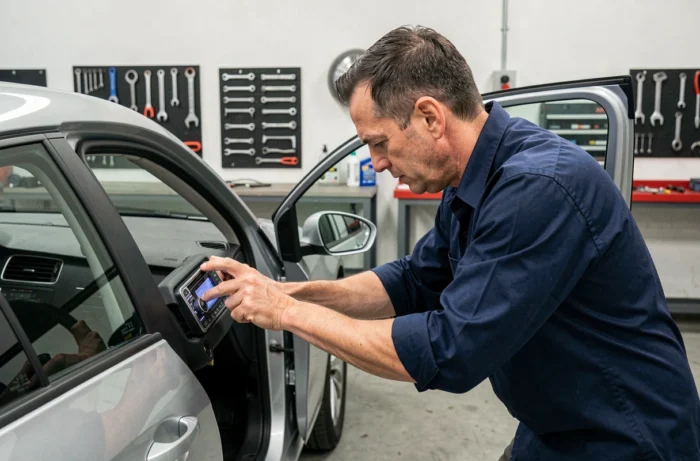
You get back into your Volkswagen after a battery change, turn the key, and the car radio screen displays “SAFE” or requests a four-digit code. Without this Volkswagen radio code, no radio, no navigation, nothing. Let’s see how to quickly retrieve this code, and especially how to avoid locking the system by making multiple attempts.
Check the paper documentation before dismantling anything
The classic reflex when the car radio locks is to look for the serial number to query an online service. This overlooks the quickest solution: searching in the glove compartment.
Volkswagen provides a radio card with the printed code when purchasing the vehicle, stored in the original documentation folder. It is often found slipped between the maintenance booklet and the user manual. Sometimes, a previous owner has noted the code in pen on the first page of the booklet.
If you’re looking for where to find the Volkswagen radio code, this check takes less than two minutes and costs nothing. It avoids the need to get tools out or pay for a decoding service.
When the documentation is missing (used vehicle, lost folder), you need to move on to the car radio’s serial number. This is where things get slightly more complicated.
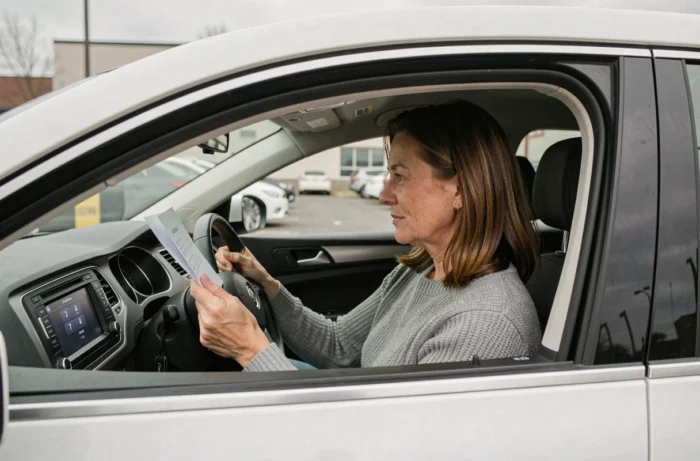
Retrieve the serial number without dismantling the VW radio
Most guides recommend removing the unit with extraction keys to read the serial number stuck on the casing. This is effective, but not always necessary.
Key combinations on RNS and RCD radios
On certain models of Volkswagen radios (notably RNS and RCD ranges), a key combination displays the serial number on the screen. The manipulation varies depending on the unit: sometimes you hold down two buttons simultaneously when powering on. Feedback on this point varies according to the exact generation of the unit, but the maneuver is worth attempting before any disassembly.
OBD diagnostics with VCDS or OBDeleven
If you have a diagnostic tool like VCDS or OBDeleven, you can query the radio module via the vehicle’s OBD port. The tool retrieves the complete serial number of the unit without touching a single screw. This is the preferred method by independent mechanics working on the Volkswagen group.
Once you have the serial number in hand (format VWZ followed by numbers, or an alphanumeric code depending on the model), you can proceed to retrieve the code itself.
Obtain the Volkswagen radio code online or at a dealership
Two options are available, and they differ in terms of timing and required documentation.
- Online code generation services: you enter the serial number of your radio on a specialized site, and the code is provided to you within minutes. The price varies depending on the provider, but is generally modest. No proof of ownership is usually required.
- Volkswagen dealership: the dealer can retrieve the code via the VIN (vehicle identification number). However, they often request proof of ownership (registration document in your name) and sometimes the serial number of the unit. The wait time can range from a few hours to several days depending on the dealership.
- Call to an independent garage: some workshops equipped with VAG group diagnostic tools offer this service. It’s a compromise between speed and reliability, with variable pricing.
The decision is simple: if you need the code immediately and are sure you are the legitimate owner, an online service saves time. If the situation is ambiguous (recently purchased vehicle, not yet registered in your name), the dealership remains the most reliable route to avoid any future problems.
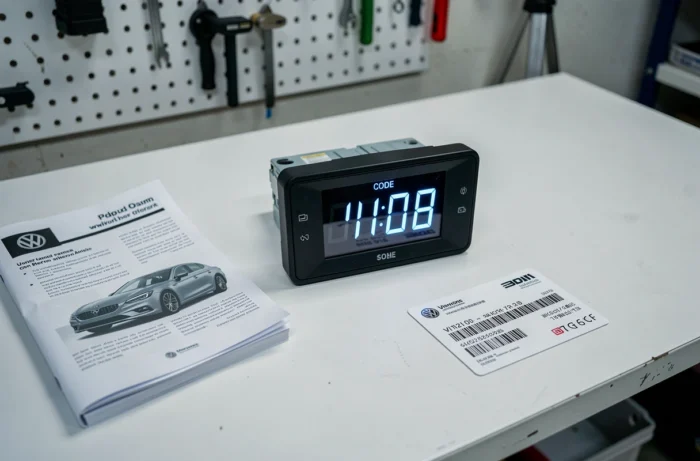
Enter the VW radio code without triggering SAFE mode
This is the trap that no one details enough: you have the correct code, you type it too quickly, you make a mistake on one button, and the radio locks.
On Volkswagen radios, the code entry uses the preset buttons (buttons 1 to 4 on the front). Each button corresponds to a digit of the code. You press button 1 multiple times to scroll through the first digit, then move to button 2 for the second, and so on. Once the four digits are displayed, you confirm.
SAFE mode lock after entry errors
After several incorrect attempts (usually two or three depending on the models), the radio goes into SAFE mode. The screen displays “SAFE” and the system refuses any further input.
The procedure to exit is as follows:
- Leave the radio on for about 60 minutes without touching anything. Some units require the ignition to be on.
- After this waiting period, the screen will display “SAFE” again or revert to input mode. You then have new attempts available.
- If the unit shows “SAFE 2”, the timing is the same but you may need to turn off the ignition and then turn it back on after the 60 minutes.
This waiting period is an anti-theft mechanism. Attempting to force the entry or disconnecting the battery does not reset the counter; on the contrary, it may restart the lock from the beginning.
Keep the code to avoid reliving the situation
Once the code is found and entered correctly, write it down somewhere outside the vehicle. A photo on your phone, a file in your emails, a note in the vehicle folder at home. The code does not change as long as the radio remains the same.
If you have the battery replaced at a workshop, inform the mechanic: a power-saving device connected to the cigarette lighter during the intervention prevents the power cut to the radio, and thus the locking. Most reputable garages use this precaution, but it is not always standard for quick interventions.